

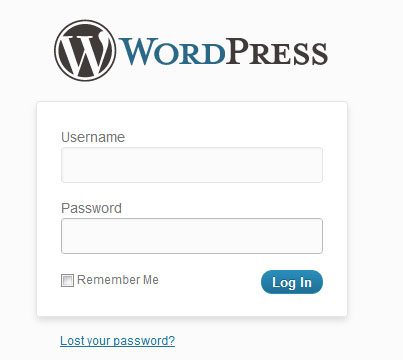
We all are familiar with the WordPress login page. However, with WordPress 3.4, you’ve got some new ways to login to your WordPress Dashboard. We can call it as improvements that come along with the new version.
5 Ways to Login to WordPress Dashboard
Did you know that there are 5 different ways to login to WordPress admin ? Yes, you read it right. Just type the below URLs in your browser’s address bar to open the familiar login screen, but the only thing that’s different is the way you login. Of course, replace yourdomain.com with your actual domain name.
yourdomain.com/login (works only in WordPress 3.4)
yourdomain.com/admin (works only in WordPress 3.4)
yourdomain.com/dashboard (works only in WordPress 3.4)
yourdomain.com/wp-admin
yourdomain.com/wp-login.php
WordPress 3.4 now redirects the /login, /dashboard, or /admin to the login screen. Try out any of the above ways to login to WordPress. No doubt these new redirects make you type less.
Note: If you’re using old version of WordPress, then you’ll get a 404 error page. We would always recommend you to use the latest version.