

WordPress 3.9 “Smith” is now available for everyone, and those who’re thinking to get the new version can now automatically update to the new version, or can manually install it. This new release is based on the strategy of developing features as plugins first. Many of these new WordPress 3.9 features are basically an improvement from the earlier versions. So now let’s take a look at what this new version of WordPress has to offer.
Live Widget and Header Previews
You can now preview widgets in real-time with the new theme customizer. No longer do you need to add a widget and then refresh the page to view your changes. You’ll now be able to see live widget previews, which means that you only need to press the Save button when you’re ready. When you click on the “Add a Widget” button from the theme customizer page, a new panel with widgets will slide out from the right. You can now add widgets via this panel and see a live preview.
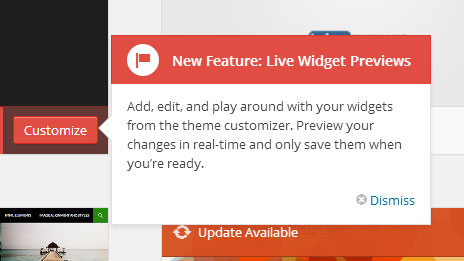
The header image tool is also updated, and now allows you to upload, crop, and manage headers while customizing your theme.
New Theme Browser
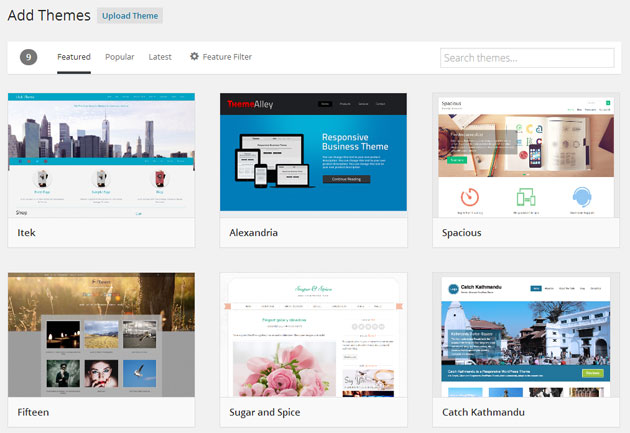
Theme browsing and installing experience has been greatly improved in WordPress 3.9. The “Add new theme” page now lists themes by Featured, Popular and Latest, and there’s also a feature filter page so that you can search for themes as per its features. The new large preview images definitely give a more clear idea as to how a theme will look like. The new theme browser page makes the task of searching, browsing and installing a theme lot easier, compared to earlier versions of WordPress.
Improved Visual Editor
The visual editor in WordPress 3.9 has been updated to use TinyMCE 4.0 which for sure provides many improvements. The new editor has a button for adding a new horizontal line to your post. You can now easily paste text from your word processor (like Microsoft Word) without wasting any time to clean up the styling. Also the distraction free writing button is now moved to the far right of the editor, and this mode is also made responsive.
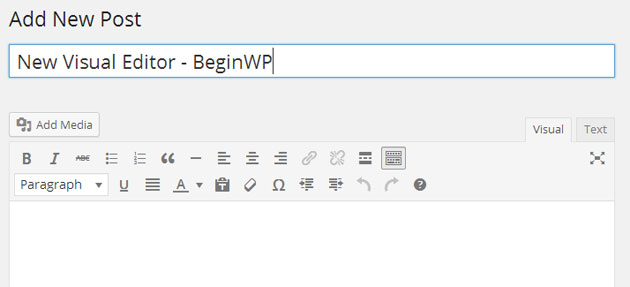
Image editing made easy
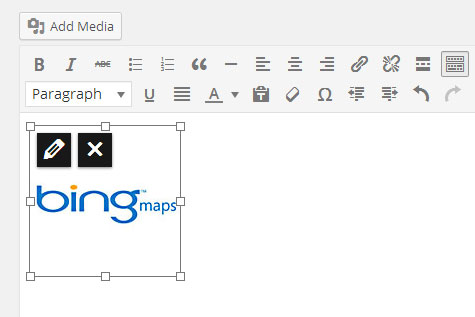
Editing images are made easy, all thanks to the new version of WordPress. To edit an image, simply click on it from the visual editor and then click on the Pencil icon. You can now edit the image, along with its details. You can also scale images directly from the editor without going anywhere else.
Uploading images are also made easier. You simply need to grab the images and drop them to your editor. Inserting images is this easy in WordPress 3.9.
Gallery Previews
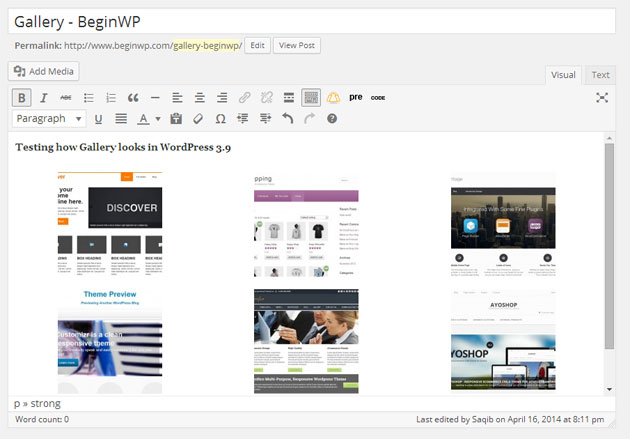
Instead of seeing a plain dumb placeholder, you’ll now be able to see a preview of gallery right in your visual editor. This gives a more detailed idea on how the gallery will look like once it is published.
Creation of Audio and Video playlists
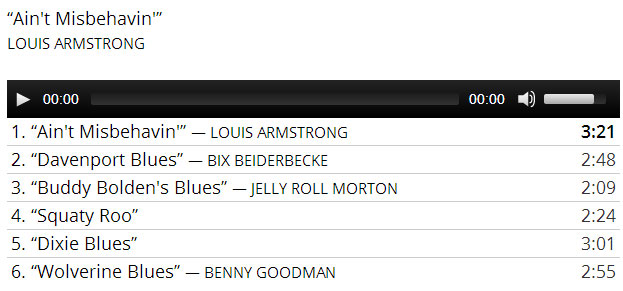
Ever wanted to create a simple playlist for your audio and video? Well, now you can. This feature basically works very much similar to creating a gallery in WordPress. You simply need to upload your audio or video and you’ll now be able to see a button for “Create a new playlist.” Click on it and create your own playlist for audio and video.
So go ahead and try out the all new WordPress 3.9. Do let us know your opinion on it via the comments section below.